Custom automations, wired to your tools.
We automate the repetitive work in your business, like follow ups, reminders and hand offs, one task at a time, with the tools you already use. You set when each automation runs, what it says and who it goes to, and a person stays in control.
- Lives in your own system's code
- Settings control every part
- A person stays in control
What you get
One task off your plate at a time. With the tools you already use.
- 01Follow ups that send themselves
- 02Hand offs between people and tools
- 03Reminders before things slip
- 04Forms that create the right record
- 05Invoices sent when work is signed
- 06Alerts when something needs a person
How it works
Four steps. A person stays in control.
- 01
We map the busywork
The repetitive steps eating your time, and which ones are safe to hand off.
- 02
We design the flow
What triggers it, what happens, and where a person should approve.
- 03
We connect your tools
Your inbox, calendar, records and the rest, working as one.
- 04
We watch it
Monitored and adjusted so it keeps working as things change.
An example
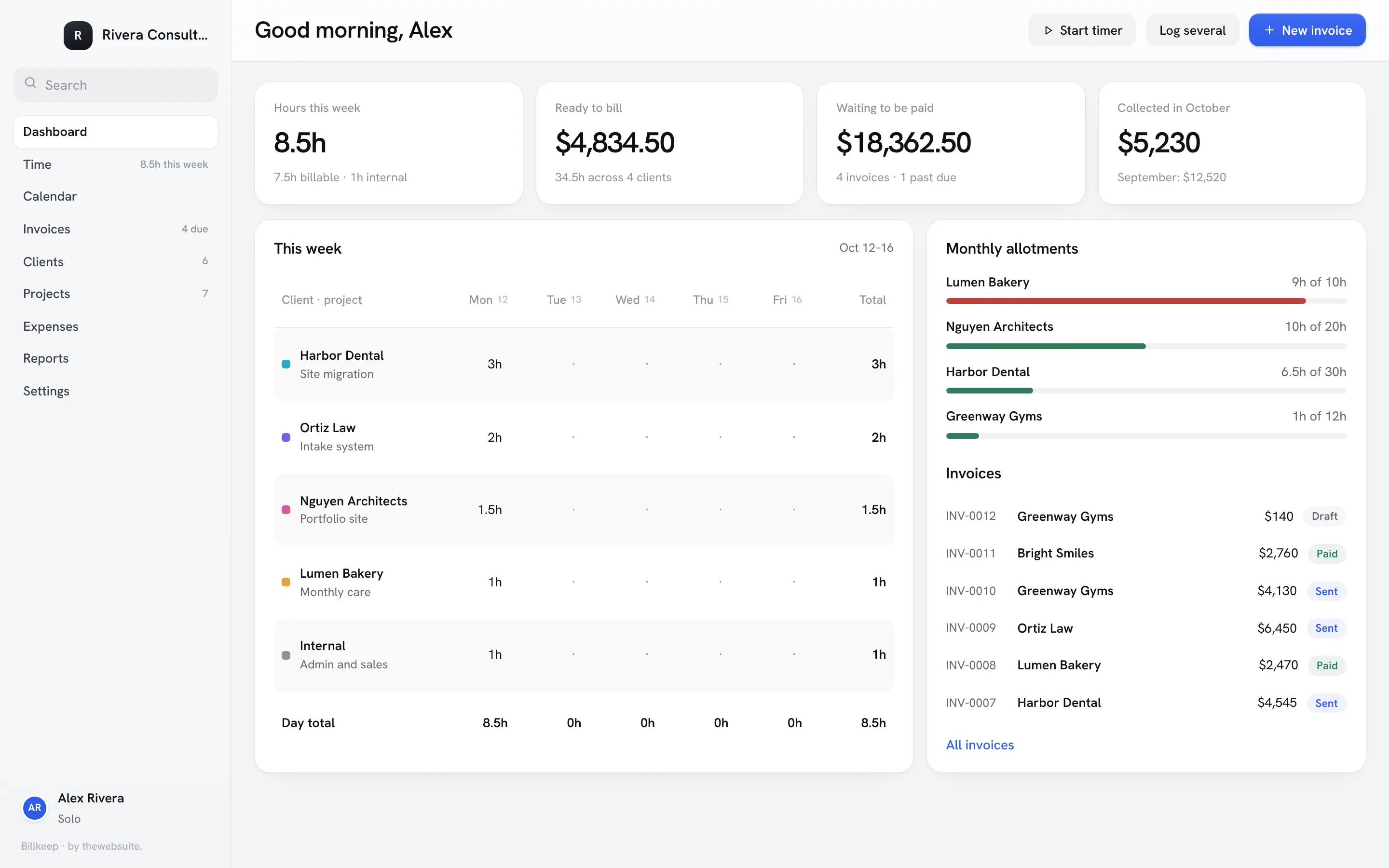
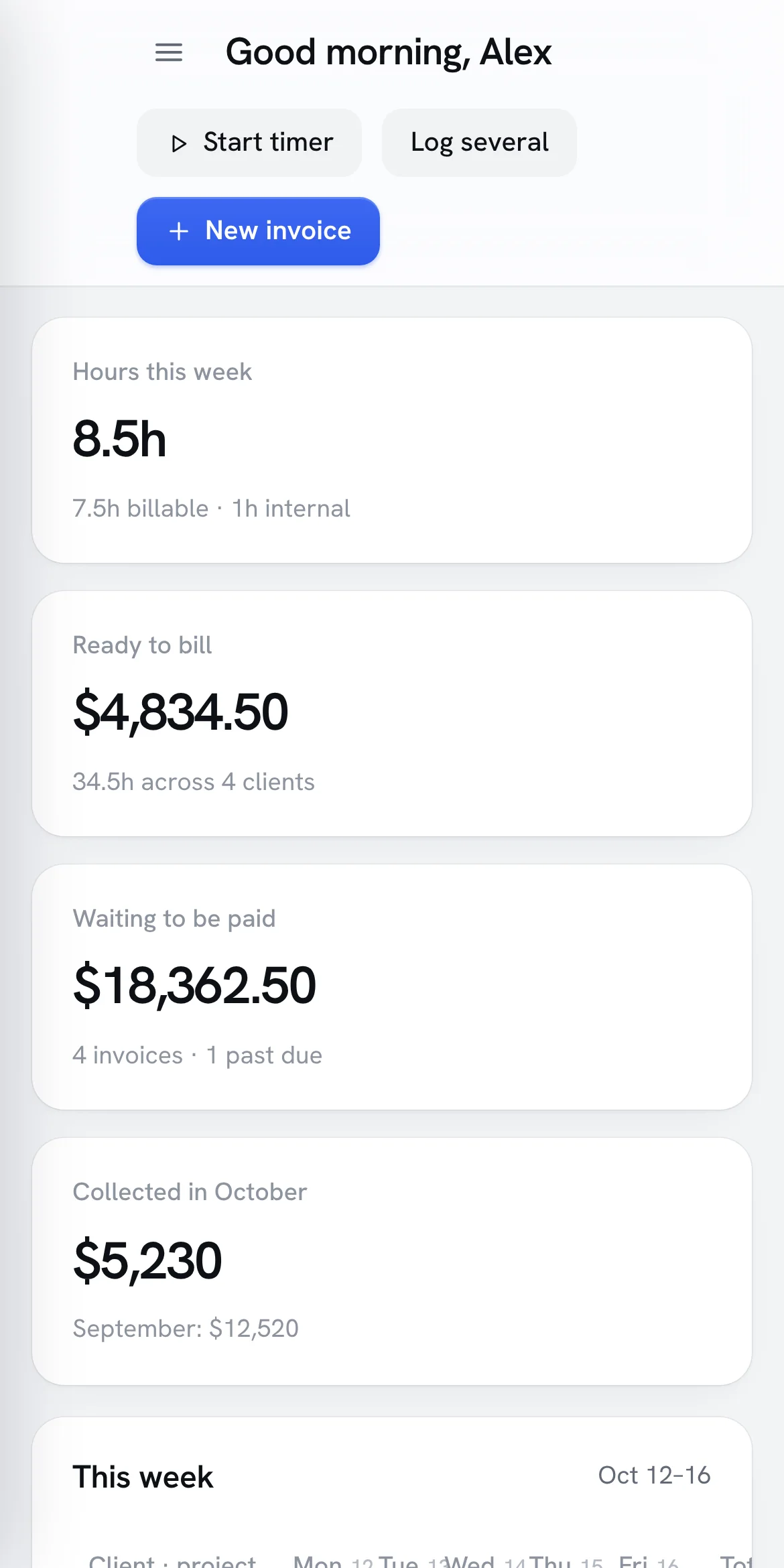
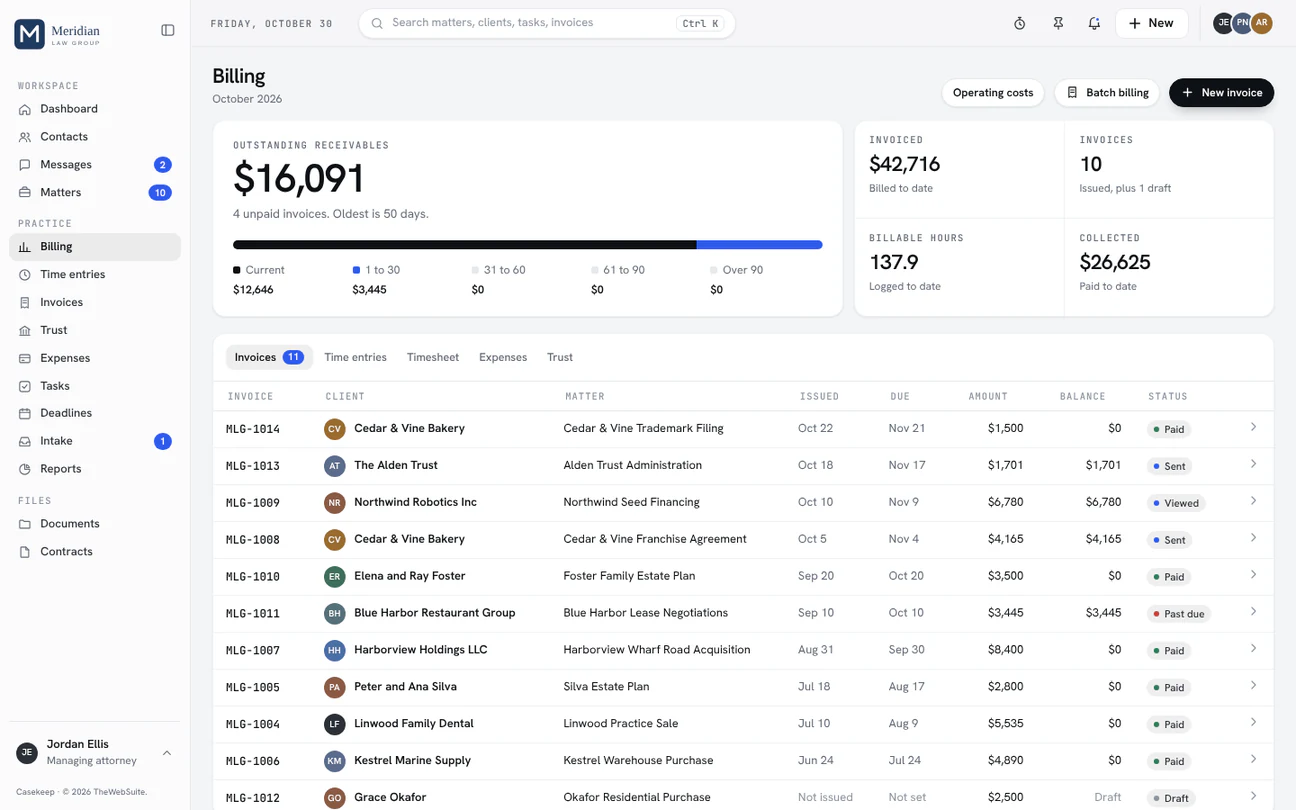
Billkeep, time tracking and invoicing we built
Billable expenses go on the next invoice by themselves, and an invoice opens your own email with the summary and how to pay already written. Reminders for past due invoices work the same way, so nothing slips and nothing goes out without you.
What we can automate
A sample of the automations we set up. Mix and match the ones that fit.
Leads and inquiries
Auto reply to new inquiries
Inquiries from new clients get an auto reply so no one waits on you.
Capture every lead
Every new form submission becomes a lead in your CRM automatically.
Route to the right person
Leads are sent to the right person by service, team or location.
Missed call text back
A missed call texts the caller back so no one slips away.
Quote confirmations
Quote requests get a confirmation with clear next steps.
Scheduling and bookings
Bookings on your calendar
New bookings drop straight onto your calendar.
Appointment reminders
Clients get a reminder the day before their appointment.
Waitlist fills cancellations
A cancellation offers the open slot to your waitlist.
Post meeting follow up
After a call, a follow up note goes out on its own.
Onboarding
Welcome sequence
A signed proposal starts a welcome sequence for the new client.
What we need from you
New clients receive a checklist of what you need from them.
Nudge for missing details
Missing intake details trigger a gentle reminder.
Payments and invoicing
Paid invoice starts work
A paid invoice marks the project active and notifies your team.
Overdue reminders
Overdue invoices send a polite reminder on schedule.
Receipts and thank you
Every sale sends a receipt and a thank you.
Renewal heads up
Clients hear about a renewal before the card is charged.
Communication and team
Post to your team chat
New inquiries post to your team chat in Slack or Teams.
Flag the urgent ones
Urgent messages get flagged so they are seen first.
Weekly lead summary
A weekly summary of new leads lands in your inbox.
Marketing and content
Share new posts
New blog posts share to your social accounts.
Welcome new subscribers
Newsletter signups get a warm welcome email.
Ask search engines to recrawl
A freshly published page asks search engines to index it.
Reviews and operations
Ask happy clients for reviews
Happy clients are asked for a review after delivery.
Catch unhappy clients first
A low rating alerts you privately so you can make it right.
Stock and capacity alerts
Low stock or a full schedule sends you a heads up.
Questions
Asked before most projects.
What can you automate?
Follow ups, reminders, hand offs between people and tools, forms that create the right record and invoices sent when work is signed. The examples on this page are a sample, and we start with the task that takes the most of your time.
Will it send things without me knowing?
No. You set when each automation runs, what it says and who it goes to, and anything that needs a judgment call waits for a person.
Do I need new software?
No. We wire each automation to the tools you already use, like your inbox, calendar and records, so your team keeps working where it already does.
How is it priced?
Every project gets a fixed written quote before we start, so you see the full price and what it covers before you commit.
One we built
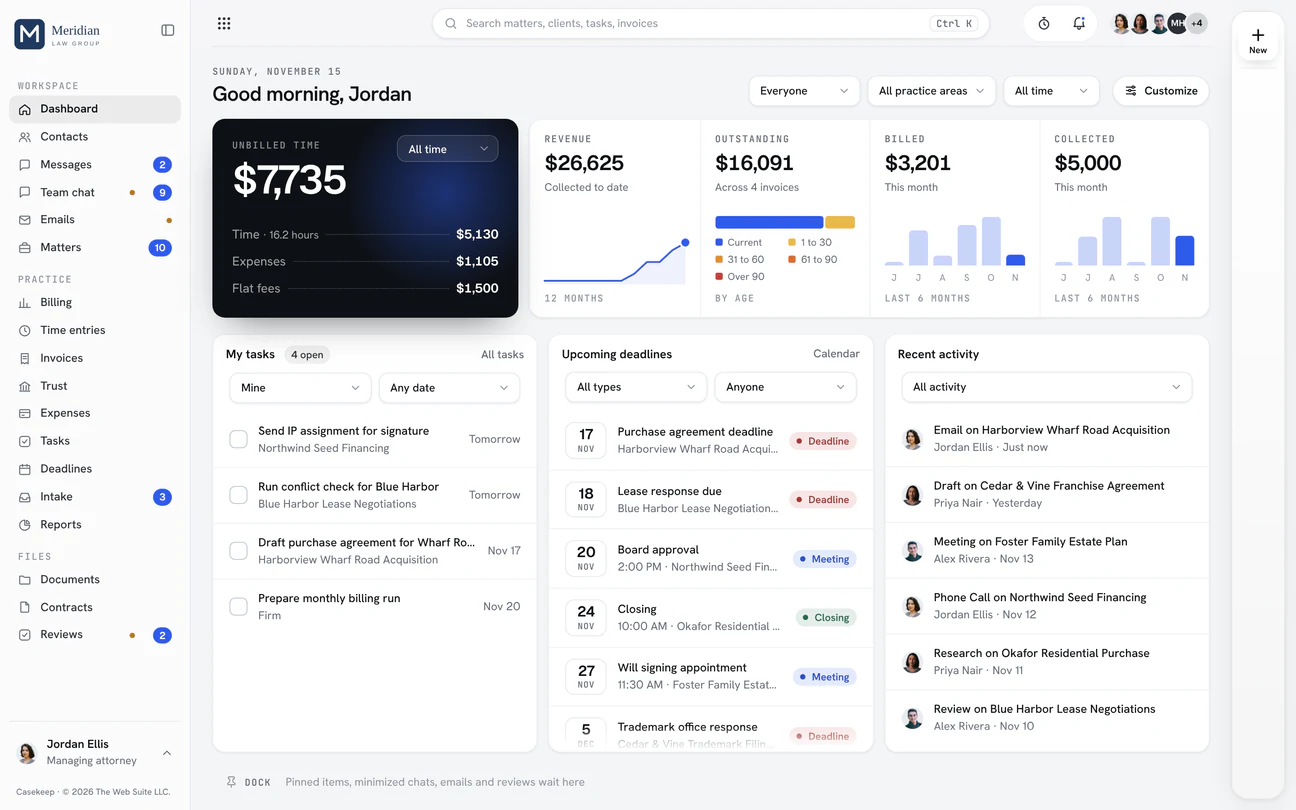
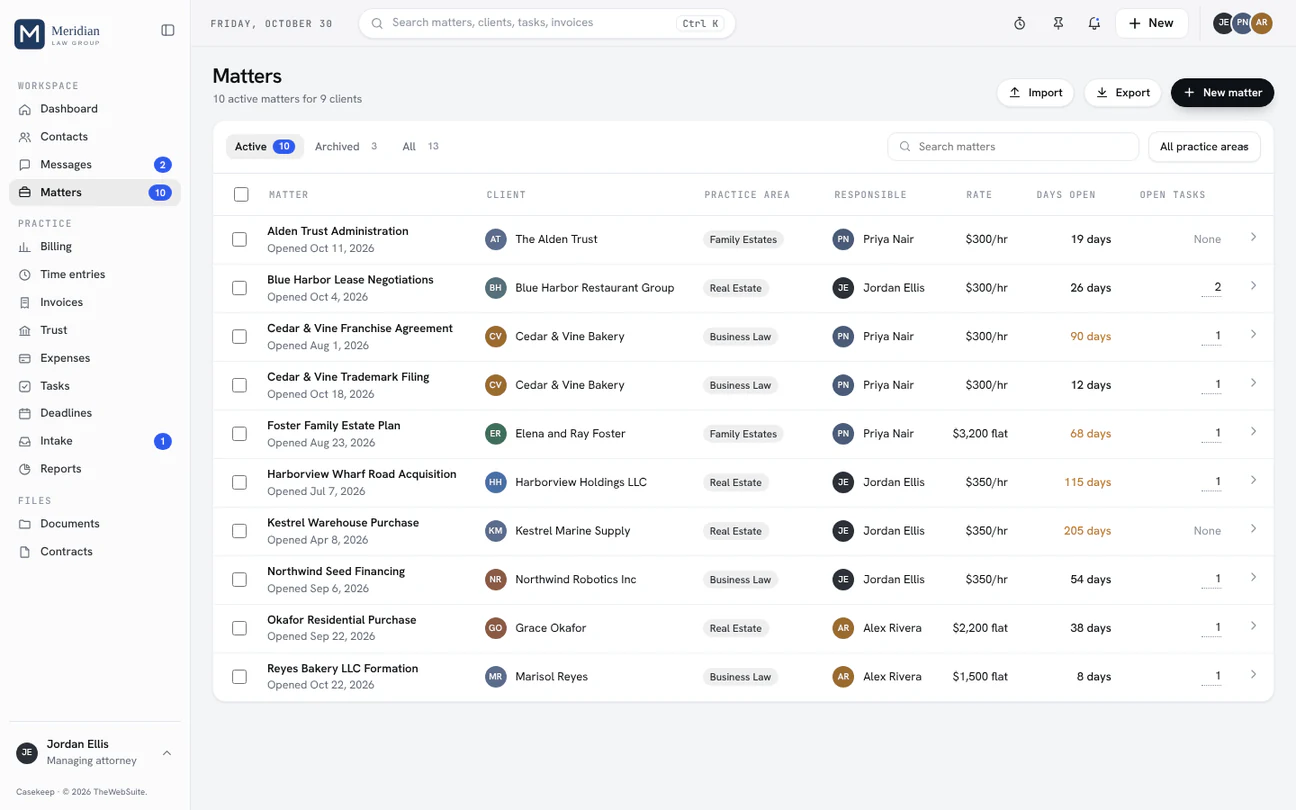
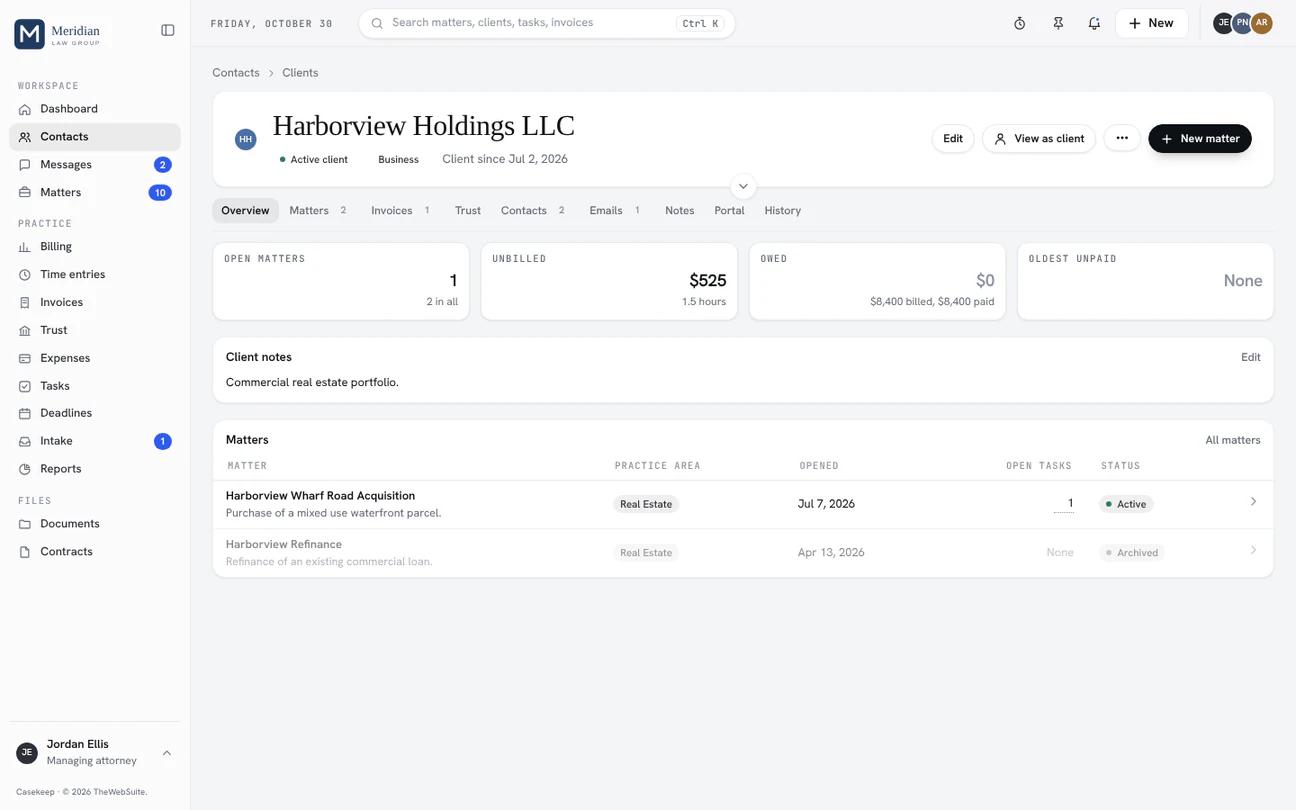
Here’s what that looks like. For small law firms, we built Casekeep.
Run a different kind of business? We’ll build yours.
Open the live demoReady made
Want to start today?
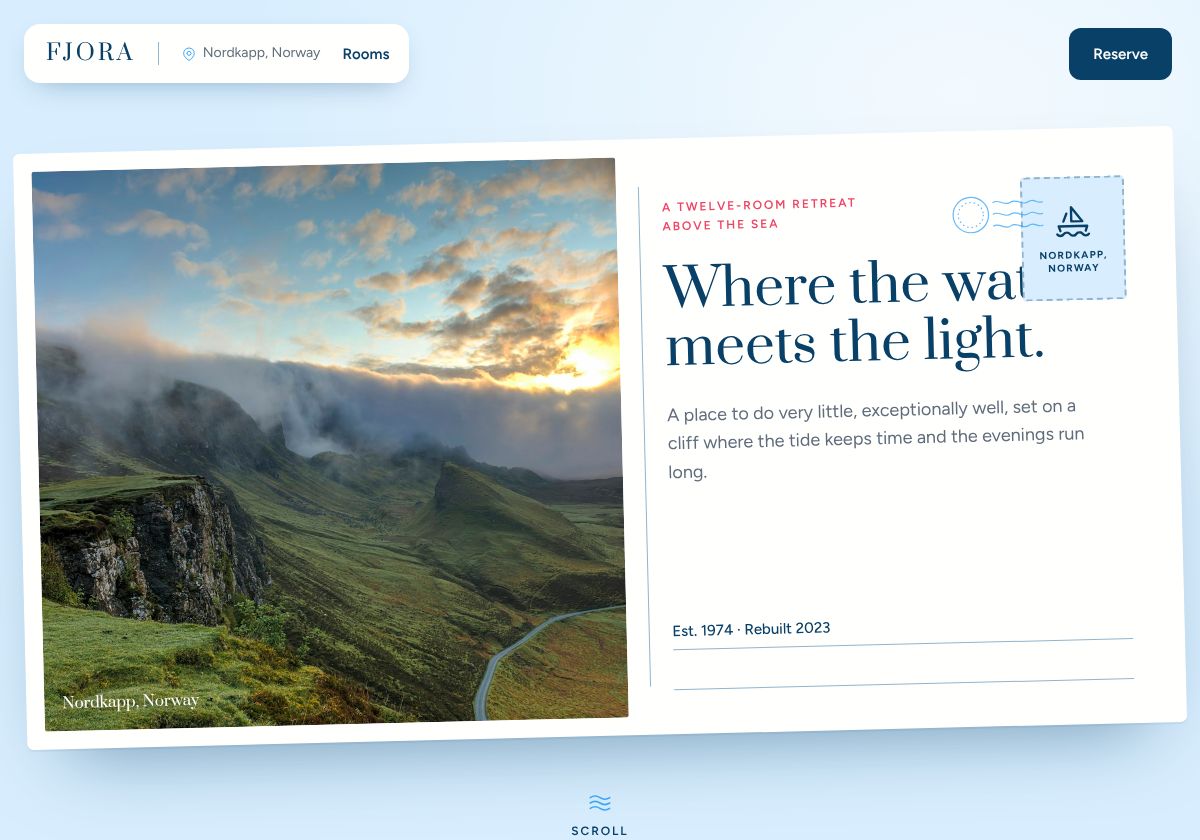
Pick a system that’s already built. Use it as it is, or as the base we build your custom features on.
What’s waiting on you tonight?
Tell us what slows your business down. We’ll build what fixes it.